
Author & publish entitlements
An entitlement is the grant — what a customer may use, under which plan and policies. Authoring and publishing them is the core Sales job, under the Sales group. (Sales)
Add the customer
Section titled “Add the customer”Customers live under Customers → Organizations. Create the organization (name, contact, billing details) before, or inline while, you create the order. Individual people belong to an org under Customers → Users.
Create the entitlement
Section titled “Create the entitlement”Under Sales → Entitlements, create an order. Two ways in:
- From a template — the fast path. Pick a bundle or entitlement template and the products, features, plan and policies come prefilled. Adjust what’s specific to this customer.
- From scratch — choose the product, attach a plan, and set the policies yourself.
You’ll work across the entitlement’s tabs:
| Tab | What it’s for |
|---|---|
| Order Details | Customer, dates, pricing, template mode |
| License Assets | The products included in the grant |
| License Permissions | The features included |
| Usage Plans | The plan in effect, and its current tier |
| Plan History | The audit trail of plan changes on this entitlement — when it changed, from which plan to which, and how |
| Policies | How it may be activated and for how long — see Policies |
| Activation Codes | Codes the customer redeems (below) |
When a product is added, its features are snapshotted into the entitlement — a copy of the product as it is right then — so later catalog edits don’t change this grant.
Publish it
Section titled “Publish it”An entitlement has its own publication lifecycle: Draft → Published → Disabled → Archived. Only a Published entitlement can be activated. Model it in draft, then set it
to Published when it’s ready for the customer.
(Separately, its subscription status — Pending, Trialing, Active, Paused, Expired, Canceled — is computed at runtime from the policies and dates; you don’t set it by hand.)
Issue activation codes
Section titled “Issue activation codes”On the entitlement’s Activation Codes tab, generate a code and send it to the customer to redeem. You can also manage codes in bulk under Sales → Activation Codes — Create, Edit, Revoke, and Reveal the full code.
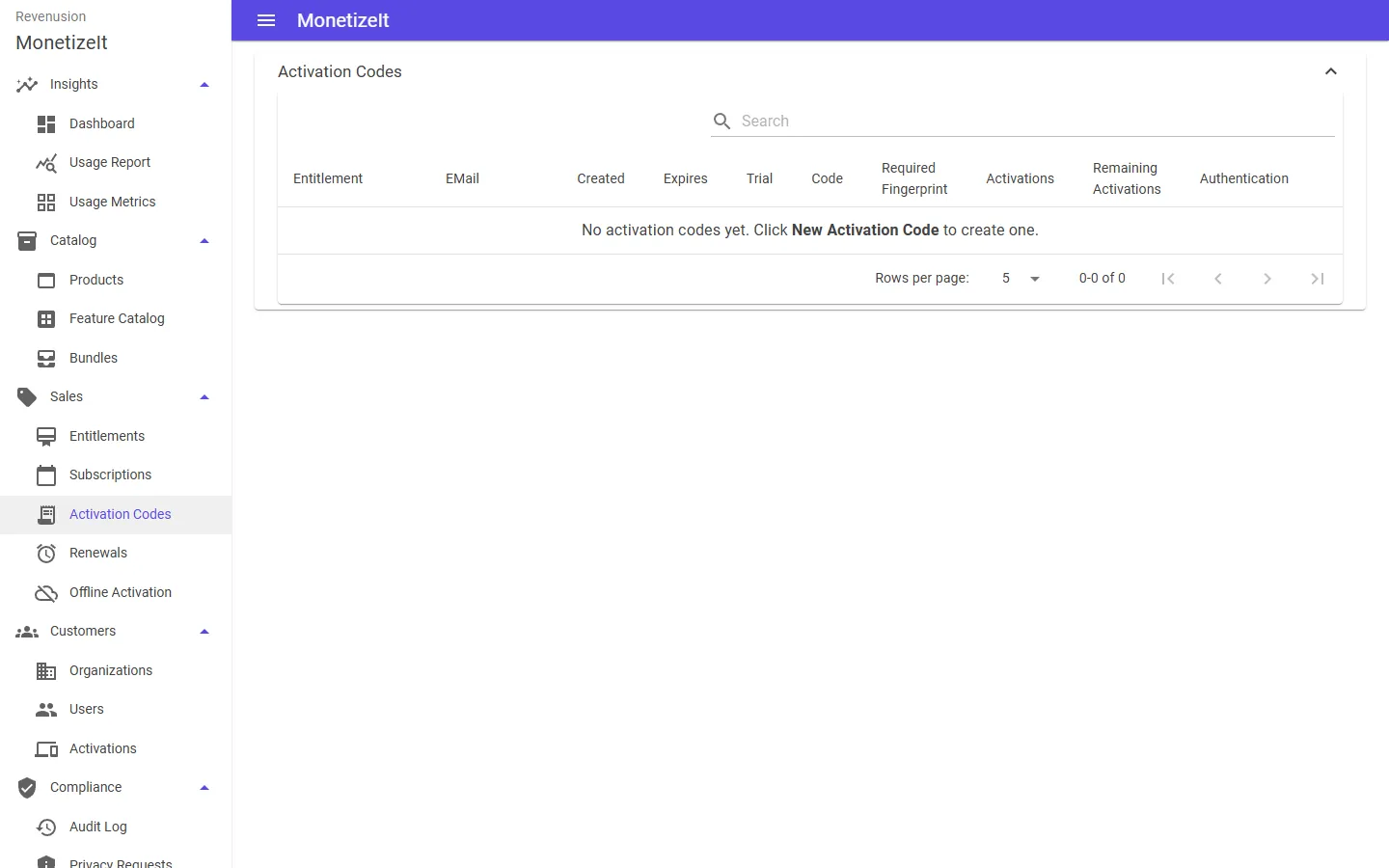
Activation Codes — generate one on an entitlement and send it to the customer to redeem.
Reuse with templates
Section titled “Reuse with templates”If you grant the same shape repeatedly, save it as an entitlement template — a captured blueprint of products, features and policies you stamp out per customer. Bundles build on templates so a whole offering grants in one step. Tag an entitlement with an external reference (a CRM or billing id) to keep it linked to your other systems.
- Tune how it activates → Set entitlement policies
- Day-2 changes → Renewals, credits & activations
- The model in depth → Entitlements & templates